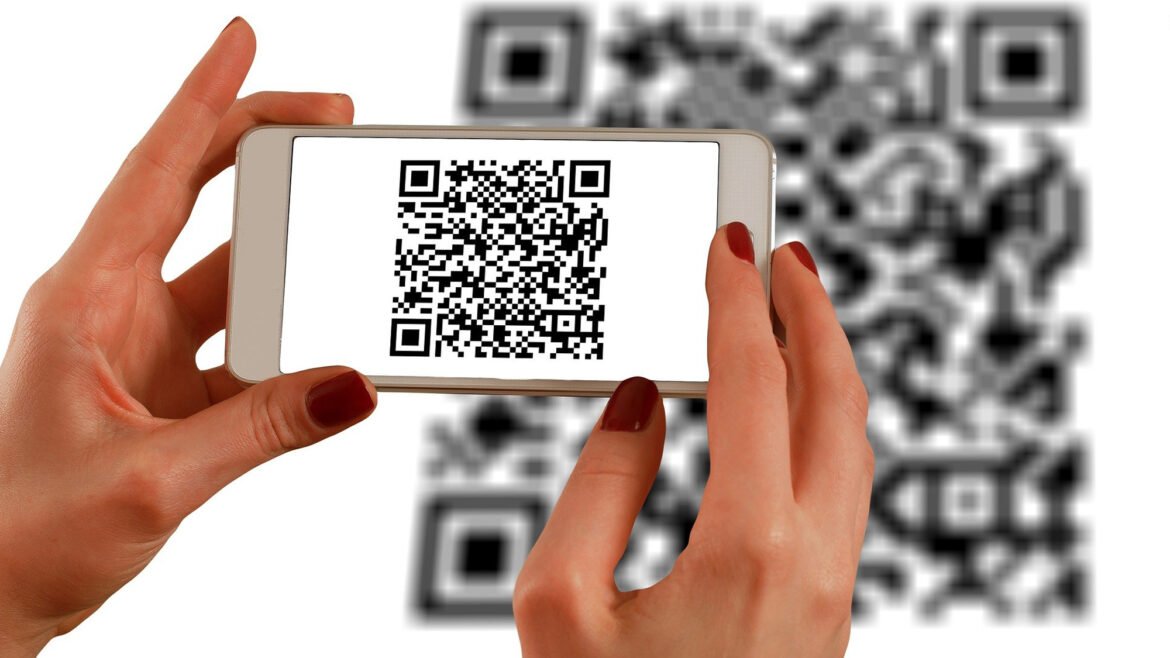
QR codes provide a quick way to access websites, contact details, menus, event information, and other digital content. They are now commonly found on packaging, posters, tickets, advertisements, and printed documents.
For occasional users, paying for specialized software may not be necessary. A browser-based free QR code reader can offer a simple way to decode QR code images without requiring a paid application or complicated setup.
What Is a Free QR Code Reader?
A free QR code reader is a tool that identifies and decodes the information stored in a QR code without requiring users to purchase access to basic scanning functionality.
Depending on the service, it may work with an uploaded image or another supported input method. The decoded information can then be displayed for the user to review.
How to Scan a QR Code for Free
Using an online QR reader is generally straightforward. The exact process can vary, but the basic steps usually include:
- Open the QR scanning service in a compatible browser.
- Select the option to upload or scan a QR code.
- Choose a clear image containing the QR code.
- Allow the tool to process the image.
- Review the decoded information.
- Follow the result only when it appears trustworthy.
For the best results, use a high-quality image with the entire QR code visible.
Why Use a Free QR Code Reader?
A free reader can be useful when you only need to scan QR codes occasionally. There may be little reason to install specialized software for a simple task that can be completed through a browser.
It can also be practical when the QR code is already stored as a digital file on a laptop or desktop computer.
Common Situations
A free online reader may be useful for:
- Decoding QR codes from screenshots
- Reading QR codes in saved photographs
- Checking codes in digital documents
- Accessing website URLs stored in QR codes
- Reading text or contact information encoded in an image
What Can a QR Code Contain?
QR codes can store different types of information depending on how they were created. A reader may decode website URLs, plain text, email addresses, telephone numbers, contact details, Wi-Fi information, and event-related data.
The scanner does not create or change this information. Its primary function is to interpret the visual pattern and present the encoded content.
How to Improve Scanning Results
A free scanner can still provide useful results when the source image is clear. However, poor image quality can make decoding difficult regardless of which tool you use.
Avoid severely blurred, distorted, or cropped images. Make sure the complete QR pattern is visible and use the original image whenever possible.
If a code fails to scan, try a higher-resolution version or capture a new image with better focus and lighting.
Is Free QR Scanning Safe?
Free access does not automatically indicate that a QR scanning service or the decoded destination is safe. Users should consider privacy and security whenever they upload images or open links.
Before using an online reader, review any available information about how uploaded content is handled. When possible, avoid uploading images that contain unnecessary personal or confidential information.
Check Links Before Opening Them
A QR code can lead to a legitimate website or a potentially harmful destination. Always inspect unfamiliar URLs before visiting them.
Be particularly cautious if a scanned page unexpectedly requests passwords, payment information, verification codes, or downloads.
Free Reader vs. Paid QR Scanner
For basic QR decoding, a free tool may be sufficient. Paid services can sometimes provide additional features intended for businesses or frequent users, but those extras are not necessarily needed for occasional scanning.
Consider your actual requirements before paying for a service. If you only need to read QR codes from time to time, a simple free option may meet your needs.
Mobile Camera or Online Reader?
A smartphone camera is often convenient for physical QR codes because it can scan the code directly. In many cases, no separate application is required.
An online reader can be more practical when the QR code is already available as an image on a computer. The best choice depends on whether you are working with a physical code or a digital file.
Final Thoughts
A free QR code reader can provide a convenient way to decode QR codes without paying for specialized software. For occasional scanning, an online option may be all that is needed.
Use clear images, review privacy information when uploading files, and inspect unfamiliar links before interacting with them. These simple habits can make free QR scanning both convenient and safer.